
Plugins & Effects · reFX
reFX Nexus 5
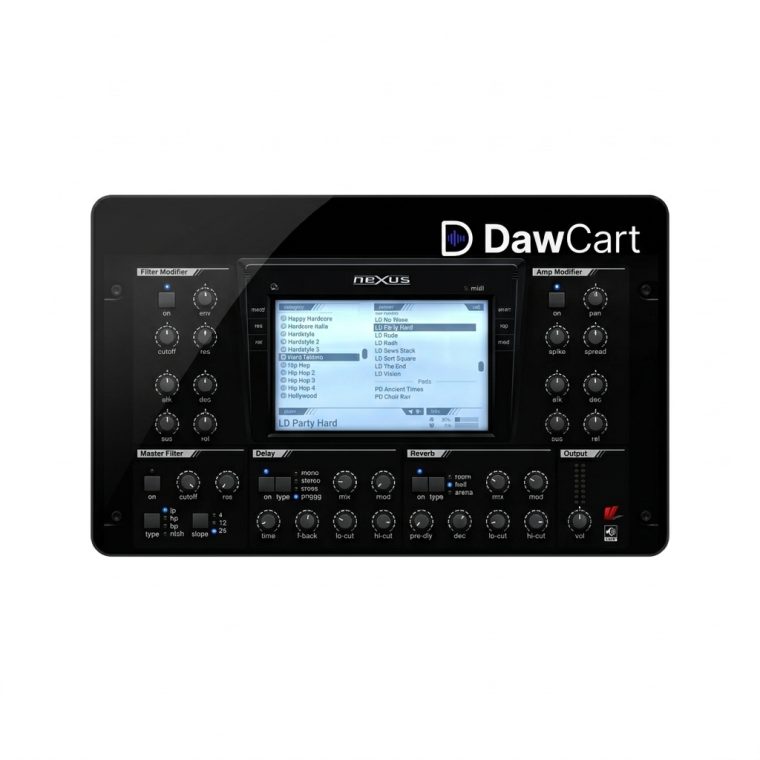
reFX Nexus 5 is a preset-focused virtual instrument for producers who want to audition and shape sounds quickly. Build electronic parts with its instrument interface, then refine them inside a compatible DAW.
Secure checkout · Genuine licence · Human support
reFX Nexus 5 is a virtual instrument centered on quick access to polished sounds. It suits producers who want to audition timbres while writing and then adjust the selected patch to fit the track. Nexus is a sound source, not an audio effect.
- Browse presets to find a starting sound quickly.
- Play parts from a MIDI keyboard or draw notes in a DAW.
- Shape the chosen sound with the instrument controls.
- Use it for leads, keys, pads and other electronic layers.
The speed of a preset-focused instrument can help keep a writing session moving. Choose a sound that supports the song, test it against the drums and bass, then refine the patch as the arrangement grows. Layering and sound shaping can turn a starting preset into a part that belongs in the mix. Nexus 5 works as a sound source within a wider production workflow, so it can complement a DAW and an existing effects chain.
For a fast sketch, select a sound with the right character before adjusting fine details. Listen to it in context with the rest of the arrangement, then change its envelope, tone or level to make room for the vocal and rhythm. A few careful changes can help the part feel intentional.
- Version: Nexus 5
- Type: virtual instrument
Install Nexus 5 in a compatible production environment, scan the instrument in your DAW and load a patch. Save your project and any custom presets in an organized folder.
reFX Nexus 5 virtual instrument.
Is Nexus 5 an effect?
No. It is a virtual instrument that generates sounds.
What is Nexus 5 used for?
It is used to audition and shape sounds for music production.
Can I use it in my DAW?
Use a compatible host and supported plugin format.
Can I edit a preset?
Yes. You can shape a selected sound to fit your arrangement.
- Windows 10 (22H2) or later
- macOS 11 Big Sur or later
- 8 GB RAM
- 76 GB disk space