DAWs · Ableton
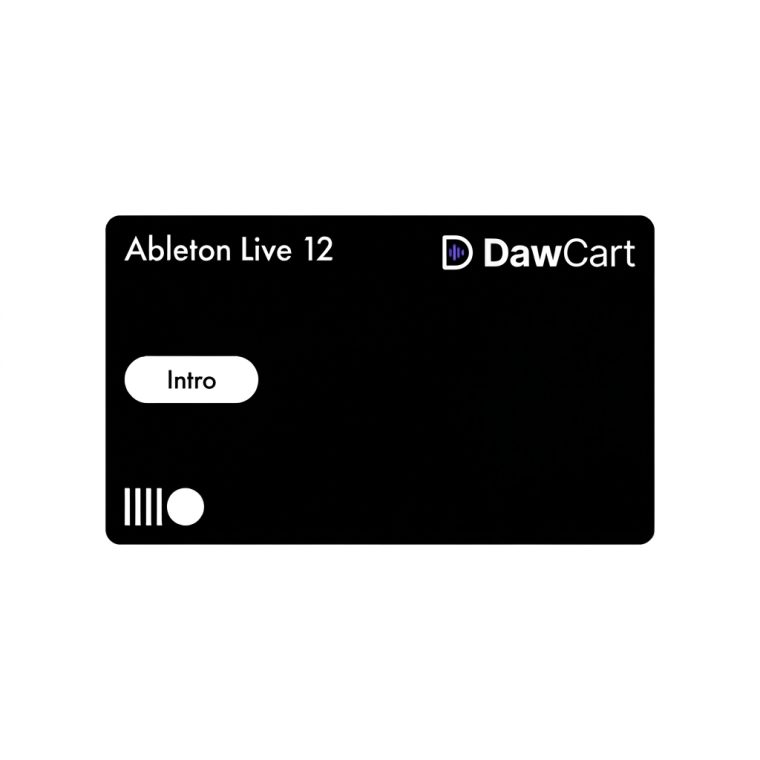
Ableton Live 12 Intro
Ableton Live 12 Intro brings audio and MIDI recording, Session View and Arrangement View into a 16-track music production workspace. Build beats, record parts, arrange songs and perform with clips. This offer uses a device-bound activation handled on a separate account, not a license registered to your personal Ableton account; an operating-system reinstall requires reactivation.
Secure checkout · Genuine licence · Human support
Ableton Live 12 Intro is an entry-level edition of Ableton’s music production software for Windows and macOS. Sketch loops in Session View, turn them into a timeline in Arrangement View, record audio and MIDI, and use the included instruments, effects and sounds to develop complete ideas. Intro is limited to 16 audio or MIDI tracks and 16 scenes, so check those limits before choosing it for a large project.
- Launch clips and test arrangements in Session View.
- Record, edit and arrange music in Arrangement View.
- Work with up to 16 audio or MIDI tracks and 16 scenes.
- Create with the included instruments, effects, samples and loops.
- Use MIDI sequencing, automation and audio recording in one DAW.
Start with a drum pattern or recorded idea, add an instrument or vocal, and build alternate sections as clips. Once the structure feels right, move the parts into Arrangement View to edit timing, automate changes and balance the mix. The included sound library helps you begin without a separate collection of plugins. Intro is suited to focused beat-making, songwriting, recording and small live sets. It does not include every instrument, effect or Pack offered in Standard or Suite.
- Edition: Live 12 Intro
- Platforms: Windows and macOS
- Audio and MIDI tracks: up to 16
- Scenes: up to 16
- Delivery: digital activation instructions
This specific offer is a device-bound activation using your computer’s hardware code. Activation is handled through an account separate from your personal Ableton account, so it is not a standard personal-account license. A system reinstall or operating-system change requires reactivation. The linked offer describes access to Live 12 updates while the activation remains valid; confirm any future reactivation and support terms before ordering.
Ableton Live 12 Intro activation for one device and setup instructions. Hardware, a physical box and a personal Ableton account license are not included.
Can I record vocals and instruments?
Yes. Intro supports audio recording alongside MIDI production.
How many tracks can I use?
Intro supports up to 16 audio or MIDI tracks.
Does it include every Live 12 device?
No. Standard and Suite include additional devices, sounds and Packs.
Will this appear in my personal Ableton account?
No. This offer uses a separate, device-bound activation.
What if I reinstall my operating system?
You will need reactivation after an operating-system reinstall or change.
- Windows 10 (22H2) or later
- macOS 11 Big Sur or later
- 8 GB RAM
- 76 GB disk space
After checkout
How activation works for this product
How activation works for Ableton Live 12 Intro.
Add Ableton Live 12 Intro to your cart and complete checkout.
Follow the order instructions to find your Hardware Code.
Save it in a plain-text .txt file exactly as instructed.
Submit the file through the designated method or to support@dawcart.com.
We verify the order and valid file, then deliver electronically within up to 6 hours.
Do not include passwords, full payment-card details, government identification numbers or unrelated personal information in the hardware-ID file.